The Nonprofit Tech Stack in 2026: What You Need vs. What Vendors Sell You
— March 2, 2026 — 4 min read
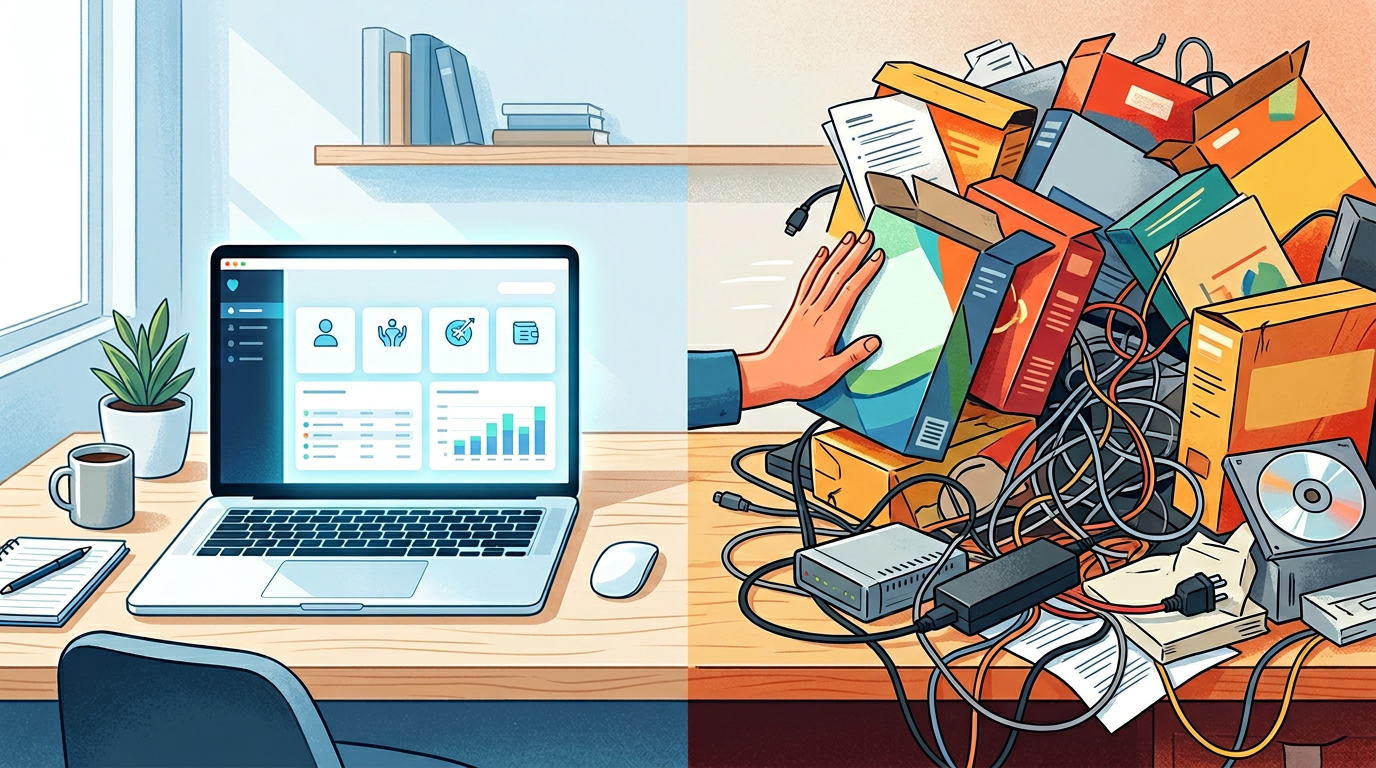
You Are Paying for Software You Don't Use
Count the software line items on last month's card statement. Then count how many of them anyone on staff opened last week. The gap between those two numbers is the point of this post.
The ones nobody opened are shelf-ware: bought after a convincing demo, implemented halfway, and auto-renewing every year because nobody remembers how to cancel.
The vendor's incentive is to sell you a tool per function. Yours is to have one contact record that every function reads from.
The Three-Tool Stack
Here's what a development office or a campaign needs:
1. One CRM and Fundraising Platform
This is the foundation. It should hold:
- Contact and donor records, with tags, notes, and giving history
- Gifts and pledges, with batches and thank-you and receipt flags
- Campaigns and events
- Email campaigns and drip sequences
- Dashboards by campaign and event, exportable to Excel or PDF
- Employer and occupation on every gift, and a search for the ones still missing them (for political committees)
One platform, not six tools wired together with a sync service. The integration tax, the hours staff spend moving data between systems, reconciling conflicts, and chasing sync failures, is the cost vendors leave out of the demo.
2. Accounting
QuickBooks, Xero, or a nonprofit-specific accounting tool. It keeps the books, produces financial statements, and handles payables and receivables. Reconcile gifts against it monthly from the CRM's Excel export.
Don't try to run accounting inside the CRM. They're different disciplines with different requirements. But the two have to reconcile.
3. Email, Only If the CRM Can't Do It
If your CRM can't send a segmented campaign with merge tags and a drip sequence, you need a separate email tool. Check that before you buy one: a shop sending a monthly newsletter and a year-end series rarely needs more than the CRM already has.
The Optional Fourth Tool
If your organization publishes a lot, you may need a website and content management system with a donation page, event pages, and a blog that draws search traffic. Make sure whatever it collects can come back into the CRM as a CSV import without re-keying.
What You Can Cut
Be ruthless. Most organizations can drop these:
Standalone event software
If your CRM gives each event an RSVP page with a ticket price and check-in, plus the guest list, you don't need a separate events tool.
Separate prospect research databases
Unless you're running a major gifts program with 500 or more prospects, a giving-history filter in your CRM (total given, average gift, last gift date) plus public records (property, FEC itemizations, 990s) gets you most of the way.
Social media management suites
The native scheduling tools in Facebook, LinkedIn, and Instagram are free and adequate for most nonprofit social programs. A paid scheduling suite solves a problem most nonprofits don't have.
Dedicated survey tools
Google Forms is free and exports a CSV you can import straight back to your contacts.
Project management software
Controversial, but true for small teams. With fewer than 15 staff, a shared document with task assignments beats a paid subscription that three people use and the rest ignore.
The Integration Test
Before adding any tool, ask one question: does it read from and write to the CRM's contact record, through a CSV import, the API, or a webhook? If not, the total cost isn't the subscription fee. It's the staff time spent transferring data by hand, the errors from double entry, and the reports that can't see half the picture.
Every disconnected tool means someone re-keys a donor by hand and the two copies drift. Fewer tools, one contact record.
Audit It This Quarter
Three tools that share one contact record beat eight that each hold their own copy. Cancel what nobody logged into last quarter, consolidate what overlaps, and put the savings into a second gift officer.
Tags: nonprofit technology, tech stack, CRM, software audit, fundraising tools
 AI in Fundraising: What to Buy, What to Skip, and What to Ask the Vendor
 Your CRM Is Lying to You: Five Metrics That Predict Donor Behavior
 How to Choose a Political Fundraising CRM for Your Campaign